How to play the FM-1 with Gnomad.
Short and in plain words. Every button press is written like this: PLAY. Two together look like GLO + PLAY. Everything up to the last part works on the synth alone, in Easy.
This is how it works on Gnomad Synth V1, release 12: the free firmware on GitHub. You install it from a computer; INSTALL.md shows how.
Made beats somewhere else? Here is where things live.
- Restart the loop on the beat
- Hold PLAY
- Stop at the end of the bar
- GLO + PLAY
- Note repeat, a quick fill
- Hold GLO, play keys
- Try a sound without recording
- Hold FX, play keys
- Launch the next pattern on the bar
- The GROOVES page, one key
- Undo
- Hold SAVE
- Tap tempo
- Tap EDIT
- Metronome
- Hold EDIT, turn knob 3
Pick a sound and play.
- Turn ALGORITHM to pick a picture: the Gnome, organ, bells, laser, whale, choir, cloud, piano, funny sounds or drums.
- Turn PRESETS to pick a sound inside that picture.
- Play the keys. Low notes on the left, high on the right. OCT- and OCT+ move everything down or up.
- The list stays on screen while you choose. Press HOME, PLAY or any key to close it.
MASTER is the volume. On a drum kit, the white keys are the drums.
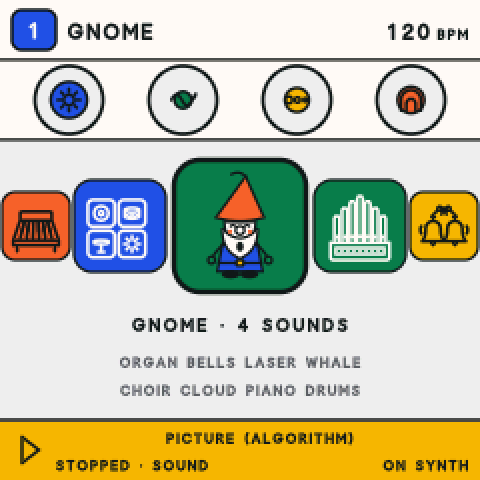
Shape it with the four knobs.
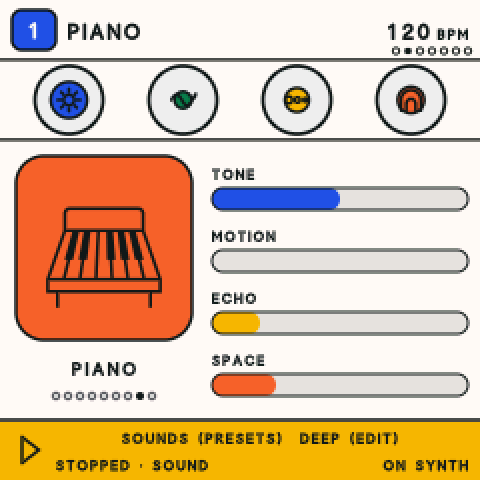
The four knobs are blue, green, yellow and vermilion, and the screen uses the same colours. Every sound gives its knobs their own jobs, and the screen says what each one does.
- Play a note and hold it.
- Turn one knob at a time and listen. Watch its coloured bar move.
- Knobs 3 and 4 often add echo and space: a repeat, and a room around the sound.
There is no wrong way to turn them. If it sounds odd, turn it back.
Make a beat.
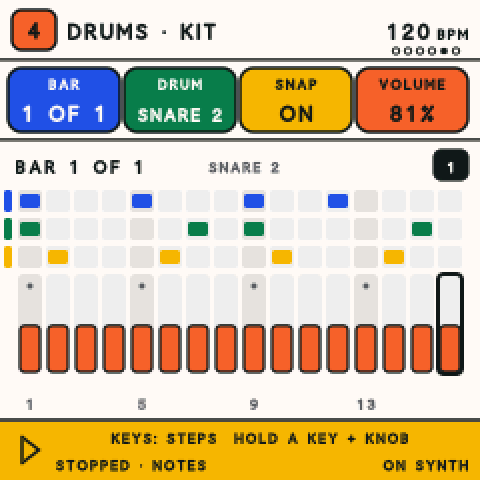
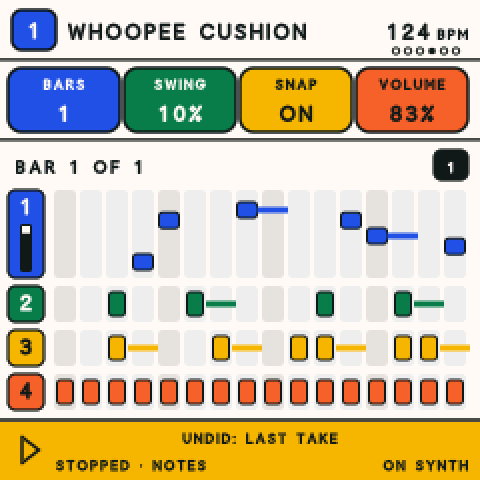
There are four tracks, so four sounds can play at once. FX SCL ENV LFO pick tracks 1 to 4; the lit one is the one you play.
- Pick a track, then turn ALGORITHM to the drums.
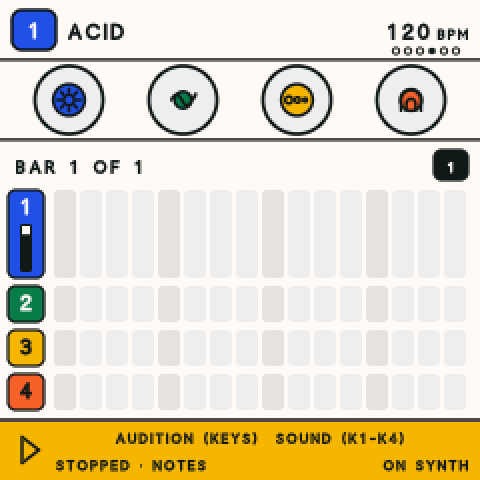
- Press SEQ twice for STEPS: one bar, up close.
- The white keys are the bar's 16 places. Tap one to put a hit there, tap again to take it off.
- Press PLAY and keep tapping while it goes round.
- Hold a white key and turn the knobs to change that one hit: its note, how hard, how long, and how often it plays.
Tap EDIT in time to set the speed, or hold EDIT and turn SELECT.
Record a loop.
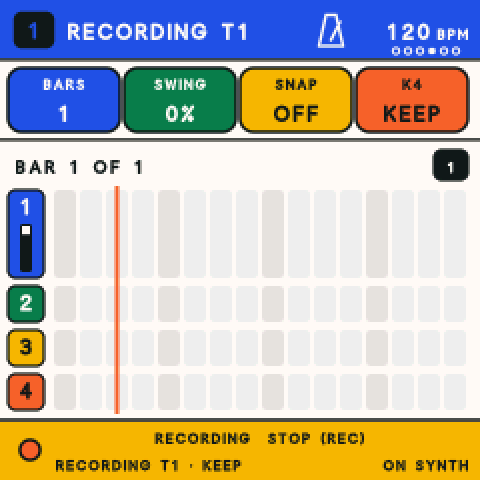
- Press REC. The screen says ARMED and the track number.
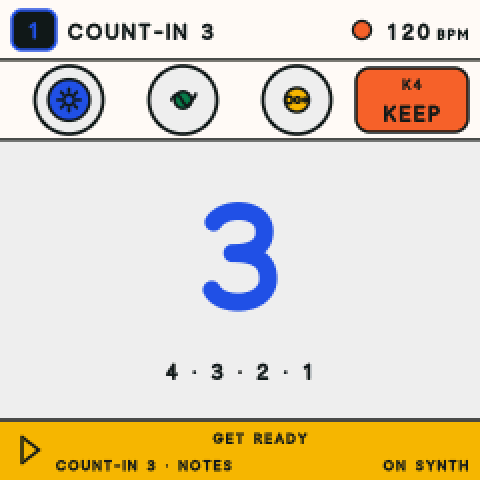
- Press PLAY. It counts you in, 4 3 2 1.
- Play the keys. What you play goes round and round.
- Press REC again to stop recording.
Knob 4 chooses KEEP (add to what is there) or REPLACE (play over it fresh). Hold REC while it plays to drop in just for as long as you hold.
Want a click? Hold EDIT and turn knob 3 to the right. It clicks only while you record or count in.
Perform it live.
Four moves for playing a loop in front of people. None of them change your loop.
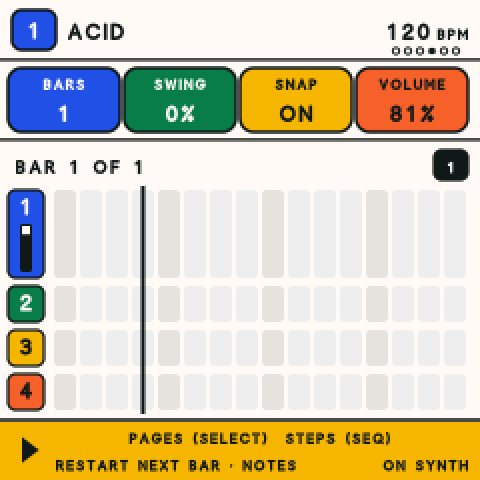
Restart on the bar.
Hold PLAY. The loop jumps back to its start at the next bar line. Hold it again to restart right now.
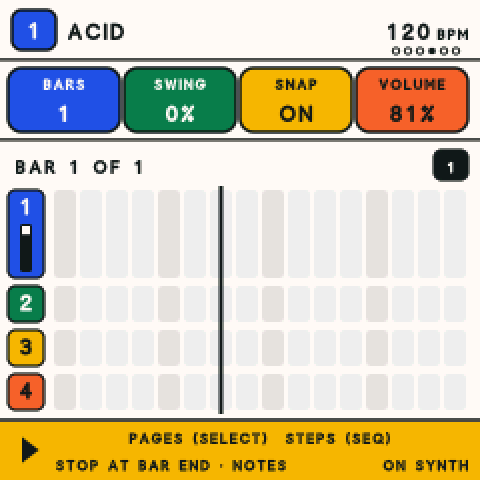
Stop at the end of the bar.
GLO + PLAY. It finishes the bar, then stops. Do it again to stop now. A quick tap of PLAY stops at once.
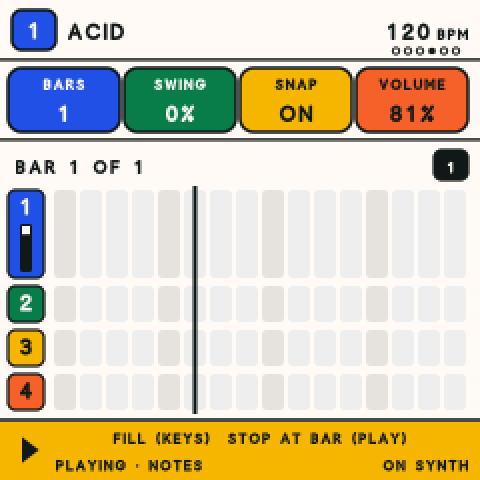
Play a fill.
Hold GLO and hold a key or two: the note repeats fast, in time with the beat. Let go and it stops. A fill is never recorded.
Try a sound first.
Hold FX and play keys to hear the sound on its own. Turn the knobs while you hold it, echo and space too. Nothing is written.
Jam on a groove.
A groove is a whole ready-made loop on all four tracks. Play along on top, or use one to start your own.
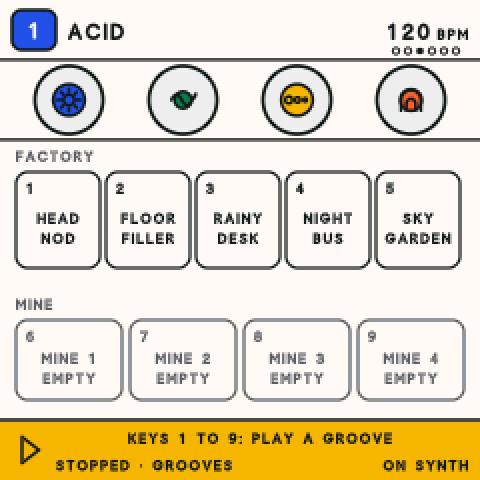
- Turn SELECT to the GROOVES page.
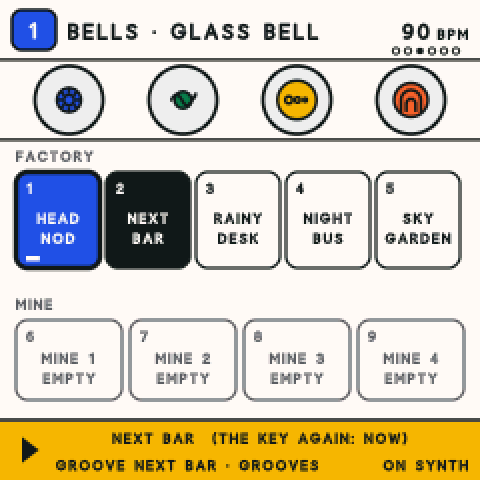
- White keys 1 to 5 play the five grooves: Head Nod, Floor Filler, Rainy Desk, Night Bus and Sky Garden.
- White keys 6 to 9 are MINE: the four songs you saved.
- While one plays, press another key. It starts at the next bar line. Press the same key again to switch now.
Your own music is safe. Stopped, it is saved first. Playing, the screen says NOT KEPT YET and waits for a second press.
Save it, and undo.
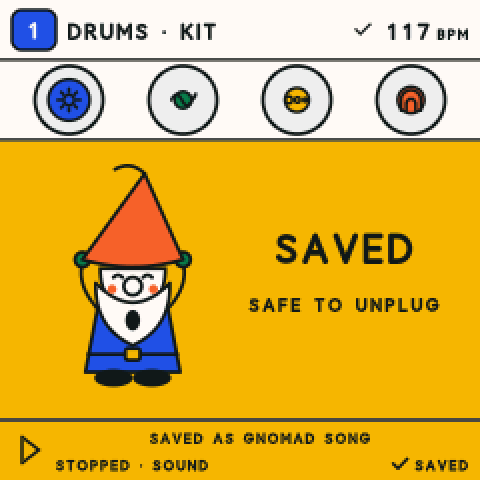
- Tap SAVE. The Gnome says SAVED.
- Or just stop and wait 4 seconds: it saves by itself, and a tick shows by the tempo.
- Made a mistake? Hold SAVE. The last take or edit comes off, and the screen says what it undid.
- Switch off whenever you like. Next time it starts with what you saved last, stopped. Press PLAY.
Want every setting? Hold HOME + SAVE for 2 seconds to switch between Easy and Advanced. Nothing in your music changes. The map shows every page of both.
With other apps and controllers.
This part needs the Gnomad app for iPhone and iPad, which is not out yet. Here is what it will add. Want it? Tell Kyle.
Plug in and go
Plug the FM-1 into your phone or tablet. The app knows it, shows the same pictures and colours on a big screen, and keeps every sound in a library.
Coming soonLearn
Tap the Gnome and he teaches you synths, keys and scales, one short lesson at a time, on your own FM-1.
Coming soonLive, with a MIDI keyboard
Play our engines from any MIDI keyboard plugged into the phone or tablet. Keytar-friendly.
Coming soonWith your other music apps
The FM-1's keys show up in your other apps as a keyboard, so it can play their drums and synths, and they can play it back.
Coming soon
Want every button?
The map has the whole synth on two sheets: every knob, every held button, every page.